
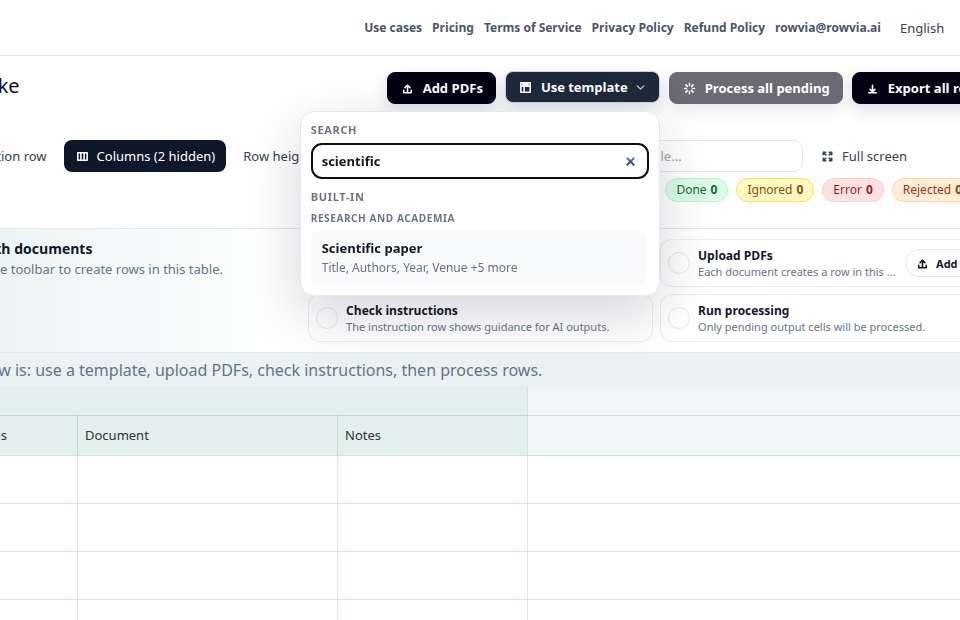
Choose a template or fields
Start from the article monitoring template or define your own columns for the pages you want to track.
Extract structured data from URLs and web pages into a reviewable table.
A marketing, sales, or research team needs to review a larger set of public pages: articles, product pages, price pages, profiles, or announcements. Copying values by hand is slow and easy to get wrong. Rowvia helps turn each primary URL into a row by default with the fields the team chooses.
Add a list of URLs, choose the fields you want, and Rowvia turns web pages into structured rows that you can review and export. When a site blocks server-side fetching, use browser-assisted URL import through manual paste, bookmarklet, Chromium extension, or a browser snapshot flow.
Open appAfter sign-in, open Templates or the closest workflow and choose Web pages and URLs. The app does not support a direct use-case deep link yet, so this safely opens the app start.

Use the article monitoring template as a starting point for web pages, product pages, or content monitoring:
Open template detail
Start from the article monitoring template or define your own columns for the pages you want to track.
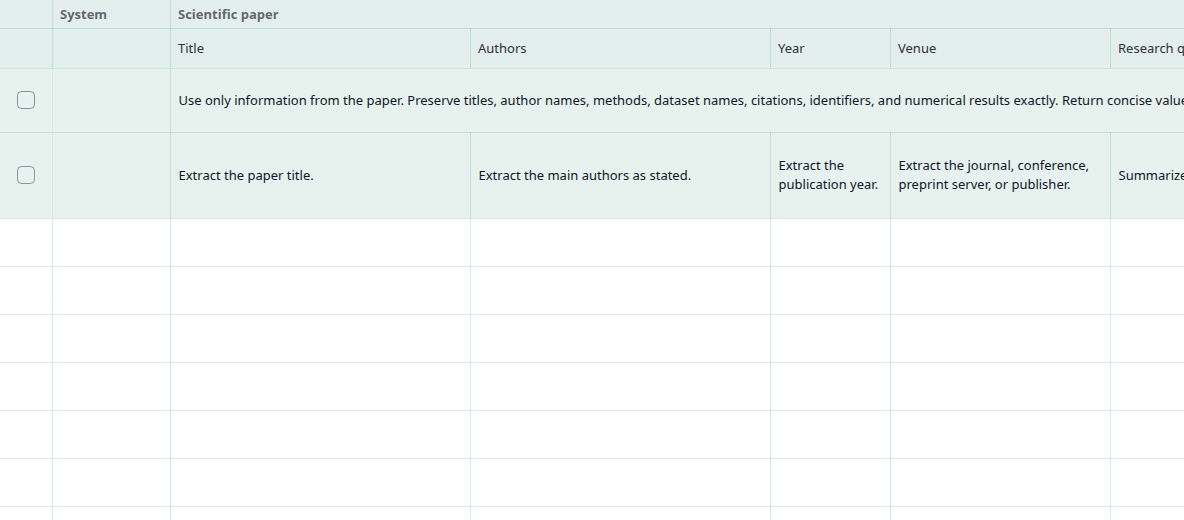
Columns describe what Rowvia should extract from each page: title, source, date, topic, key message, quote, or other values.
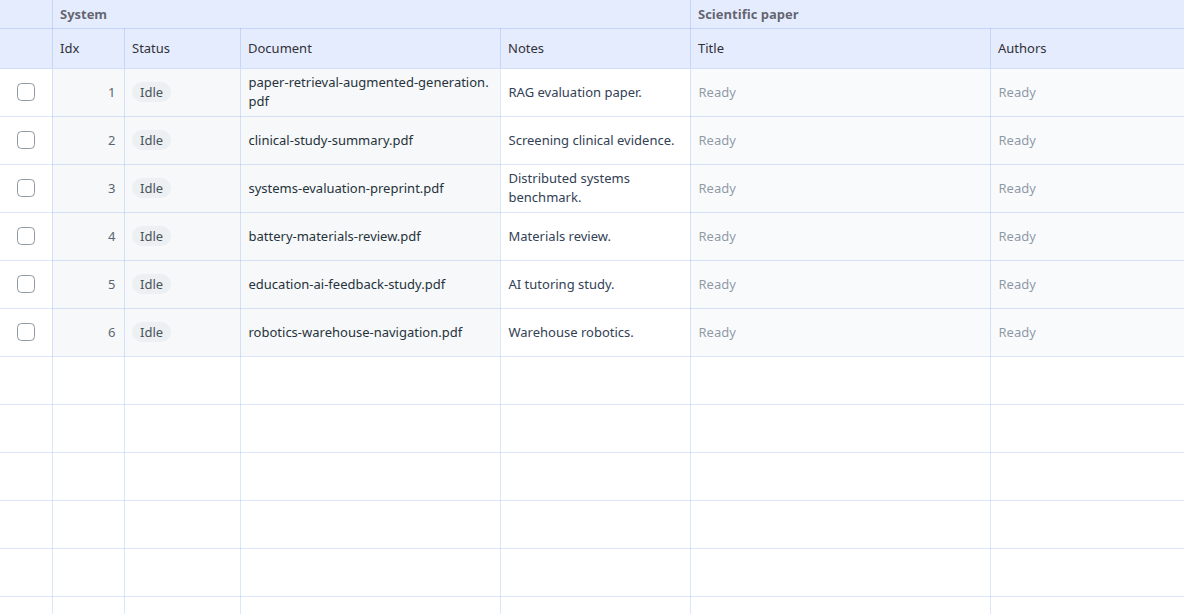
Paste one or more URLs, or add text copied from a page. Each primary source becomes one table row by default.
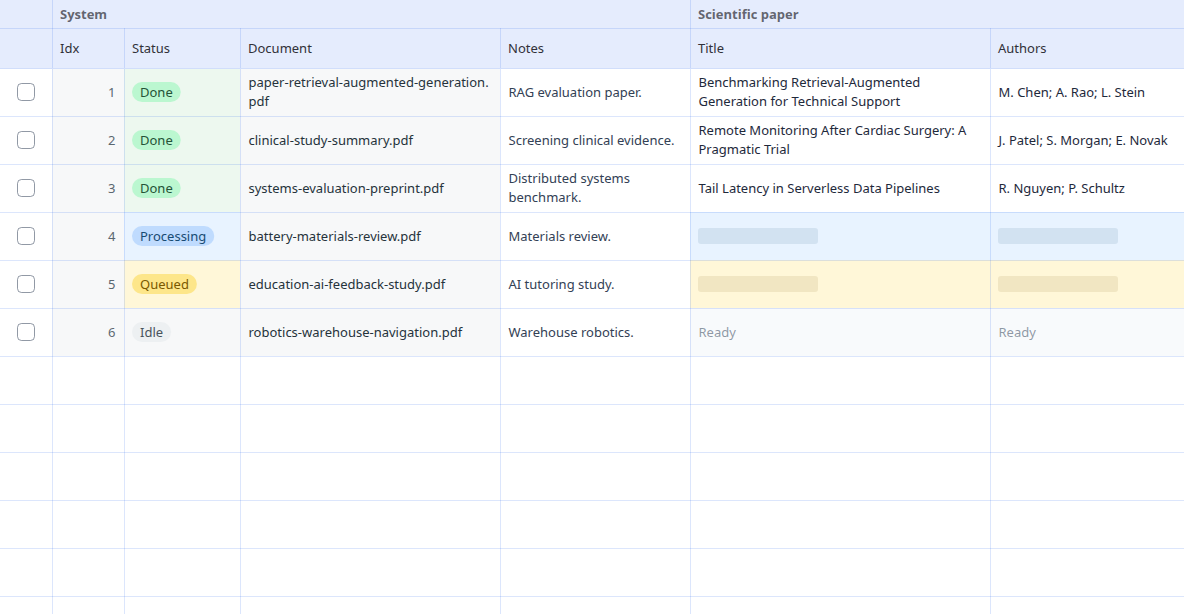
After processing, check cells against the source pages, correct uncertain values, and export the table.
Typical inputs are public URLs, web articles, product pages, notes from web research, or pasted page text. Each primary source becomes one table row by default.
The output is a table where one primary URL or pasted text source maps to one row by default. Columns help compare sources, topics, dates, quotes, and selected values without copying from each page by hand.
| Source | Page title | Source | Author | Publication date | Topic |
|---|---|---|---|---|---|
| https://example.com/blog/market-update | service package | stated in source | stated in source | 2026-06-14 | stated in source |
| https://example.com/products/industrial-pump | equipment supply | value to verify | value to verify | 2026-06-21 | value to verify |
| https://example.com/news/supplier-announcement | review overview | fill after review | fill after review | 2026-07-02 | fill after review |
Rowvia is useful for a first structured overview, review, and export. It should not replace accounting, legal, insurance, or other expert decisions, and important values should be checked against the source document.
Ordinary OCR usually only reads text. In a web pages and urls workflow, the more useful result is getting values into the same columns across several sources, so they can be compared, filtered, and handed off as a table.
Yes. You can add multiple URLs to a table and each primary URL becomes one row by default. Results should be checked against the source page.
Yes. If you do not want to use a URL, you can paste plain text and process it through the same table workflow.
The result reflects the content available during processing. For important values, keep or verify the original source.
Yes. Start from a template and add your own questions for the fields you need to track across pages.
This page is mapped to concrete long-tail queries and links onward to the matching template, pricing, or technical documentation.
Open the demo, use the related template, or compare similar document scenarios.